
This guide contains Amazon affiliate links. As an Amazon Associate we earn from qualifying purchases, at no extra cost to you.
Every November in our house, and in the apartments I rent out, the same thing happens on the Monday after the clock change: the porch light is off when we get home in the dark, and the hallway lamp clicks on at what now feels like the middle of the evening. Nothing is broken. The lights are following a clock, and the sun just moved an hour on that clock. I use smart plugs, sensors and timers every day, so here is the 10-minute routine I go through.
If you need a plug or bulb with sunset schedules
Small plugs with schedules, timers and Alexa or Google control; a 2-year warranty on the listing.
Check price on AmazonA19 Wi-Fi bulbs that dim and change color, with schedules and away mode.
Check price on AmazonWhat changes by itself, and what doesn’t
| Device | Changes automatically? | What to check |
|---|---|---|
| Phones, Echo, Nest and Google speakers | Yes | Time zone in the Alexa or Google Home app |
| Smart thermostats (ecobee, Nest) | Yes | Schedule still matches when you wake and leave |
| Wi-Fi smart plugs and bulbs | Clock yes | Fixed-time schedules now run an hour off compared with daylight |
| Cloud cameras and doorbells (Ring, Blink, Wyze) | Yes | Time-based modes and motion schedules |
| NVR or DVR camera recorders | Sometimes not | DST setting in the recorder menu, or set it by hand |
| Plug-in mechanical timers, older programmable thermostats | No | Turn the dial or reset the clock |
| Oven, microwave, car | Usually no | Set by hand |
The 10-minute checklist
- Check time zones. In the Alexa, Google Home, Kasa or other apps, open one device’s settings and confirm the time zone. A wrong zone is why some devices change at the wrong hour, or not at all.
- Move outdoor and entry lights to sunset. Porch, garage, path and hallway lights should follow sunset, not a clock time. Details below.
- Look at morning routines. A 6:30 a.m. “good morning” routine will now run when it’s lighter outside. Fine for most; adjust blinds or lights if not.
- Check the thermostat schedule on any thermostat that isn’t Wi-Fi connected. An hour off means heating an empty house or waking up cold.
- Fix the recorders and timers that don’t update: NVR/DVR camera recorders and plug-in timers.
- Test smoke and CO alarms. Press the test button, replace batteries if needed, and check the date on the back.
- Check camera timestamps on one recent clip. If you ever need footage for a police report or an insurance claim, the time must be right.
Switch lights to sunset schedules
A sunset schedule follows the actual sunset at your location every day, so it never drifts. In most apps:
- Kasa: device → Schedule → add → choose Sunset instead of a time, and add an offset if you like, such as 15 minutes before sunset.
- Alexa: Routines → new → When this happens → Schedule → At Sunset.
- Google Home: Automations → add → starter → Sunrise or sunset.
My settings: porch and entry lights on 15 minutes before sunset, off at 11:00 p.m.; hallway lamp on at sunset, off at bedtime. In December, when sunset is earliest, this makes the biggest difference.
Schedule-shift calculator
Will your schedule still make sense?
Cameras, alarms and away modes
If your security system arms itself or switches camera modes at set times, those times are now an hour off relative to daylight. For example, a Ring or Blink schedule that switches to “Away” at 5:00 p.m. now starts after dark. Shift it, or switch to location-based modes. Heading away for Thanksgiving? Our leaving home for the holidays checklist covers lights, water and cameras, and this guide helps with holiday deliveries.
The morning of the clock change is also a good habit for testing alarms. Fire safety groups recommend testing smoke alarms monthly, and most need replacing after about 10 years: check the date on the back. If yours chirp or are past their date, see our smoke and CO detector guide.
Plugs and bulbs that do sunset schedules
I haven’t compared these specific models side by side; the picks are based on the listings and Amazon’s summaries of owner reviews as of October 29, 2026.
Kasa Smart Plug Ultra Mini EP10 (4-pack)
Compact 15-amp Wi-Fi plugs that leave the second outlet free. They run schedules and countdown timers, work with Alexa and Google Assistant, need 2.4 GHz Wi-Fi and carry a 2-year warranty on the listing. Kasa devices now also work in the Tapo app.
Owners like: easy setup and convenient control through Alexa or the app.
Owners complain about: disconnections and trouble connecting to Wi-Fi for some. If that happens to you, our smart plug troubleshooting guide has the 2.4 GHz and mesh fixes.
Kasa Multicolor Smart Bulb KL125 (4-pack)
Dimmable A19 Wi-Fi bulbs that change color, with schedules, remote control and an away mode that turns lights on and off while you’re traveling. Good for fixtures where a plug won’t work.
Owners like: easy setup and the color and brightness options.
Owners complain about: connectivity, with some bulbs that stop connecting; split opinions on Alexa integration.
More options, including plugs with energy monitoring, are in our best smart plugs guide, and for the holidays, smart Christmas lights.
FAQ
When does daylight saving time end in 2026?
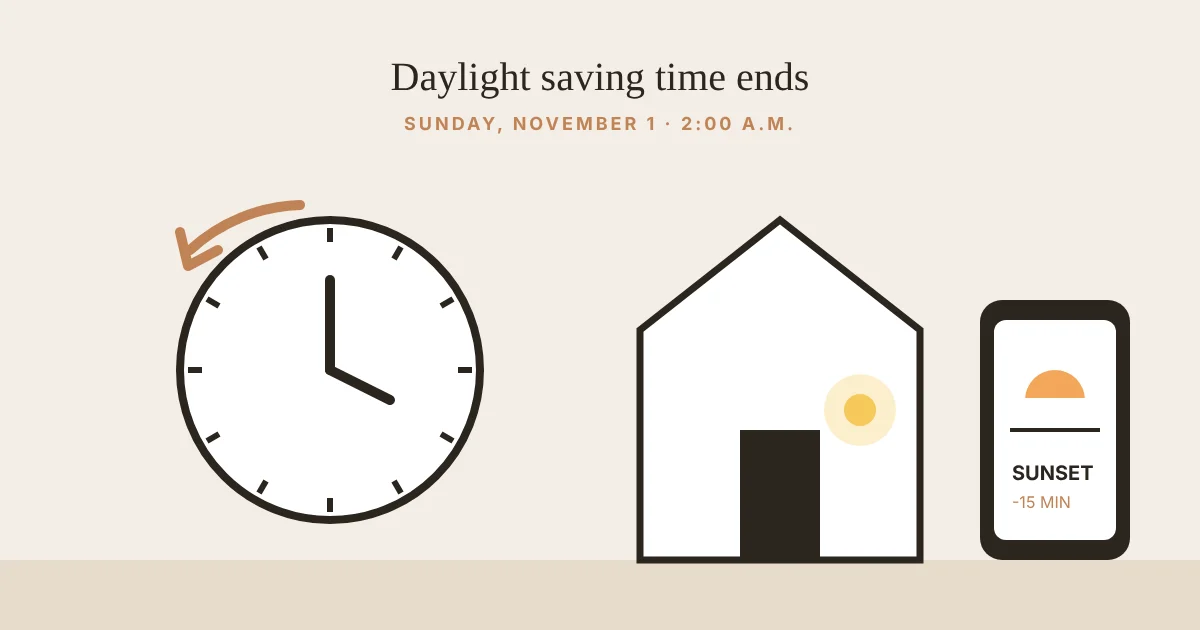
On Sunday, November 1, 2026, at 2:00 a.m. local time, when clocks go back to 1:00 a.m. Most of the US changes; Hawaii and most of Arizona don’t observe daylight saving time.
Do smart home devices change the time automatically?
Most Wi-Fi devices, smart speakers, smart thermostats and cloud cameras get the time from the internet and change automatically, as long as the device or the app has the right time zone. Standalone timers, older programmable thermostats, some NVR camera recorders and appliance clocks need a manual change.
Why do my smart lights turn on at the wrong time after the clock change?
They are probably on a fixed-time schedule. After the change, sunset comes about an hour earlier by the clock, so a 6:00 p.m. schedule now starts long after dark. Switch the schedule to a sunset trigger with an offset, which most smart plug and light apps support.
Should I change smoke alarm batteries when the clocks change?
Many fire departments use the clock change as a reminder to test smoke and carbon monoxide alarms and replace batteries if needed. Test alarms monthly, and replace any alarm older than the maker’s recommended life, usually 10 years for smoke alarms.
Do smart plugs support sunrise and sunset schedules?
Many do. Kasa, for example, lets you set schedules at sunrise or sunset with an offset, and Alexa and Google Home routines can also start at sunrise or sunset based on your location.
Sources
- NIST: Daylight saving time rules (first Sunday in November, 2:00 a.m.)
- NFPA: Smoke alarms
- Kasa Smart Plug Ultra Mini EP10, 4-pack (Amazon listing)
- Kasa Multicolor Smart Bulb KL125, 4-pack (Amazon listing)
Affiliate disclosure: Smart Home Shields is a participant in the Amazon Services LLC Associates Program. As an Amazon Associate we earn from qualifying purchases. If you buy through our links, we may earn a small commission at no extra cost to you. Product details on Amazon change often, so check the current listing before you buy.